01
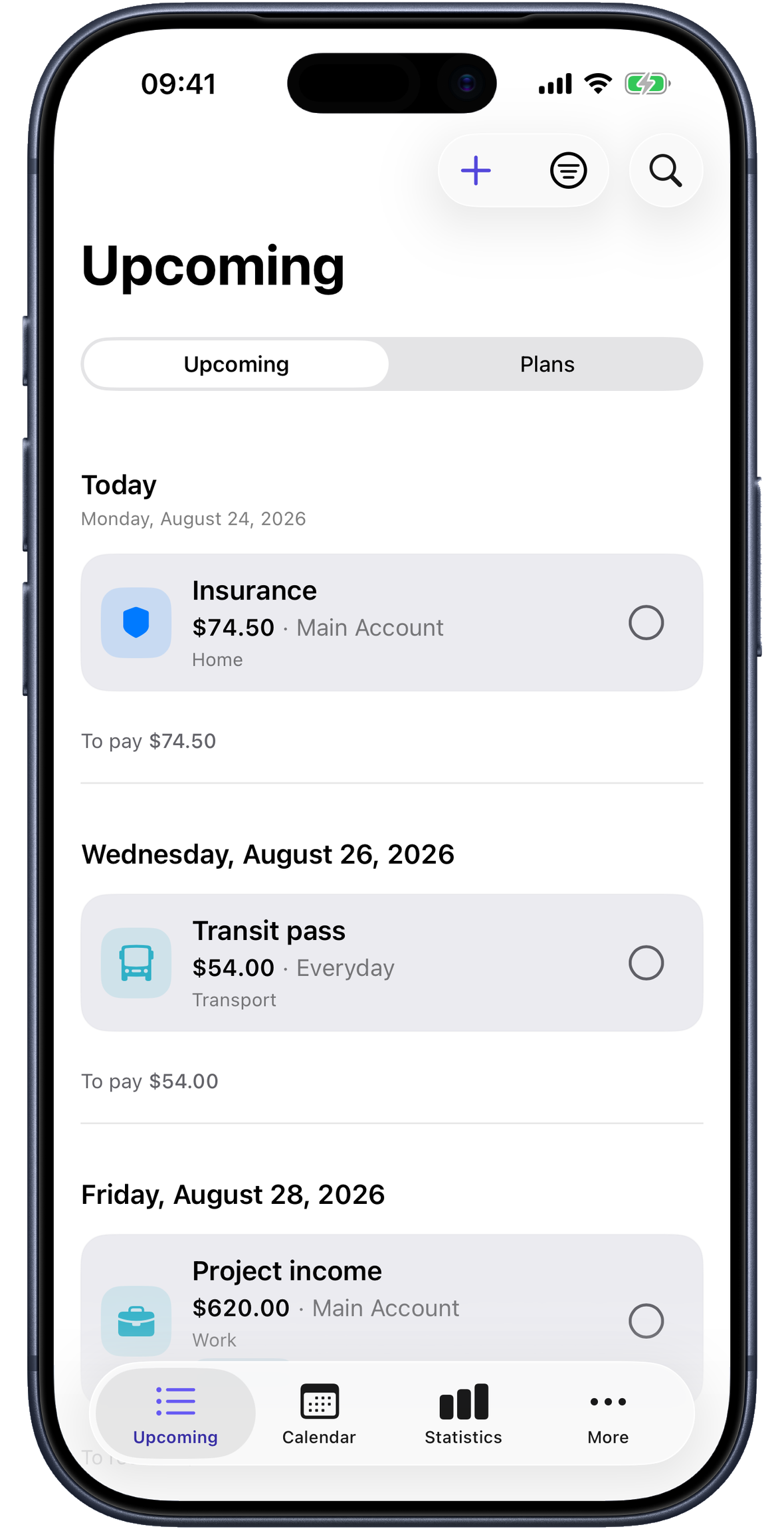
Upcoming payments, right where you need them
See dates, amounts and overdue items at a glance.
A calmer way to plan payments
Paylendar puts recurring payments, income and due dates in one clear calendar. No Paylendar account, no ads, no financial clutter.
iPhone · iPad · Mac · Available on the App Store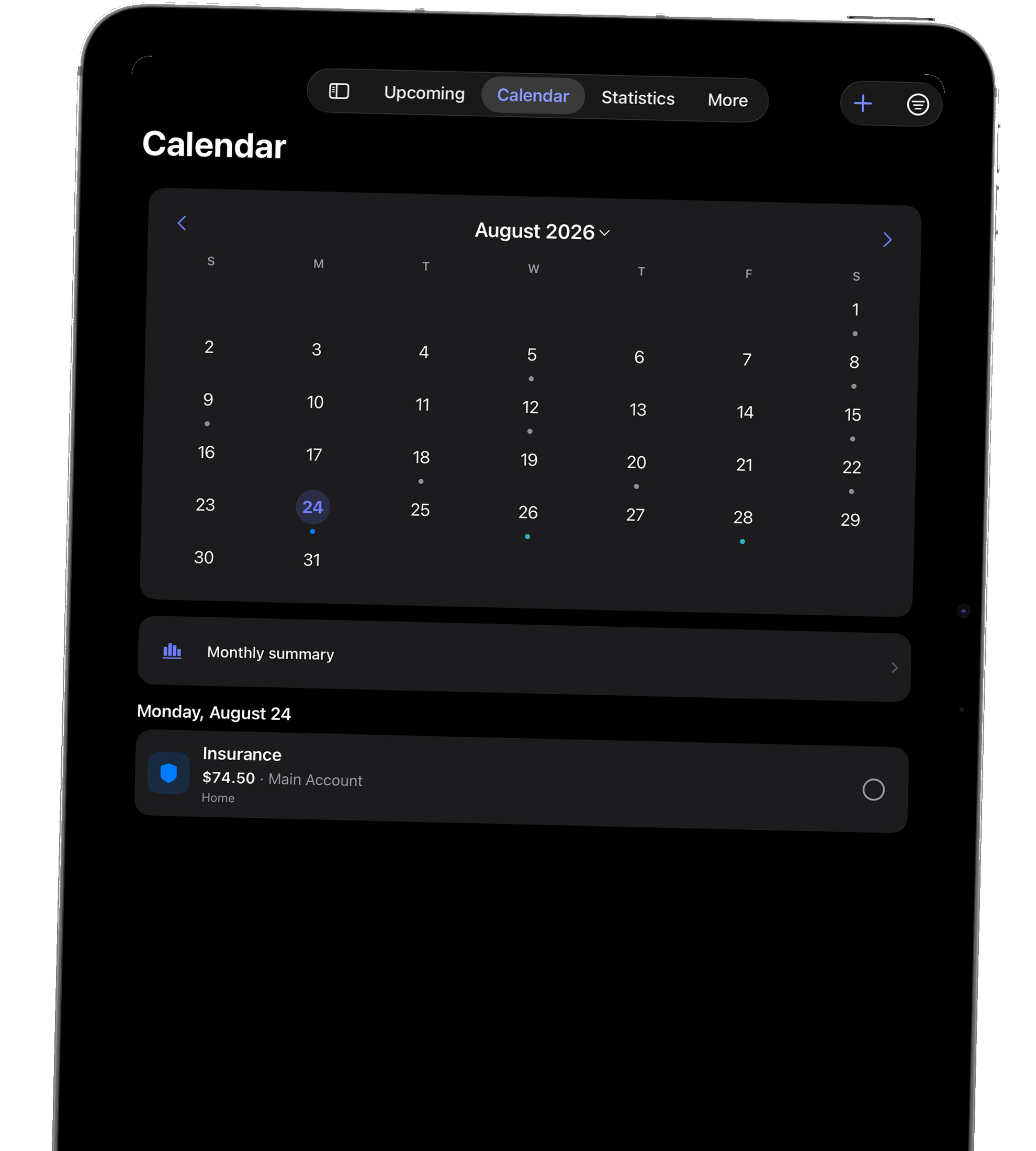
One clear view
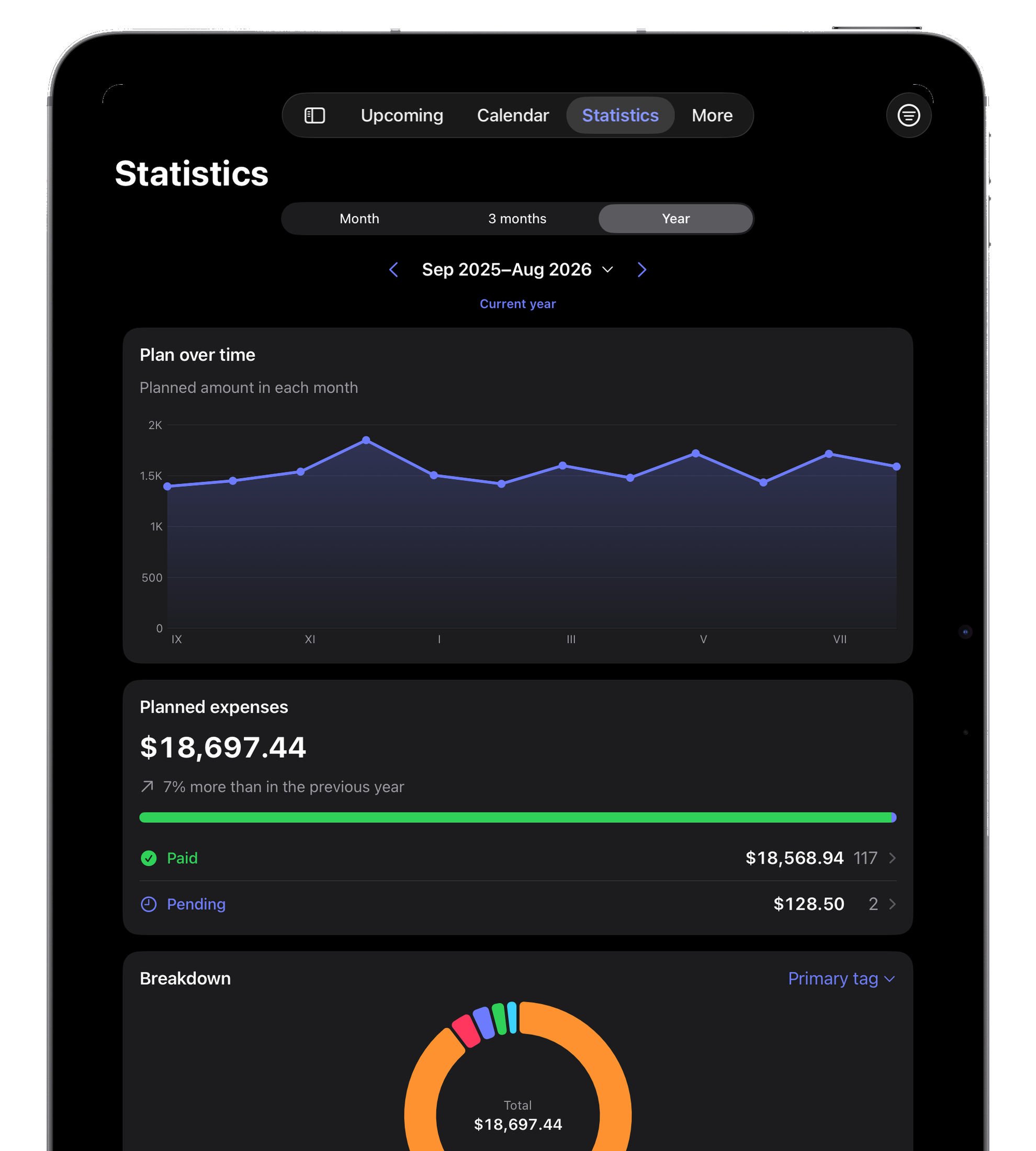
See what is coming, understand the month and spot patterns without turning your finances into another project.
See dates, amounts and overdue items at a glance.
Every plan lands on the right day, so the weeks ahead make sense.
Simple summaries reveal where your money is going and when.
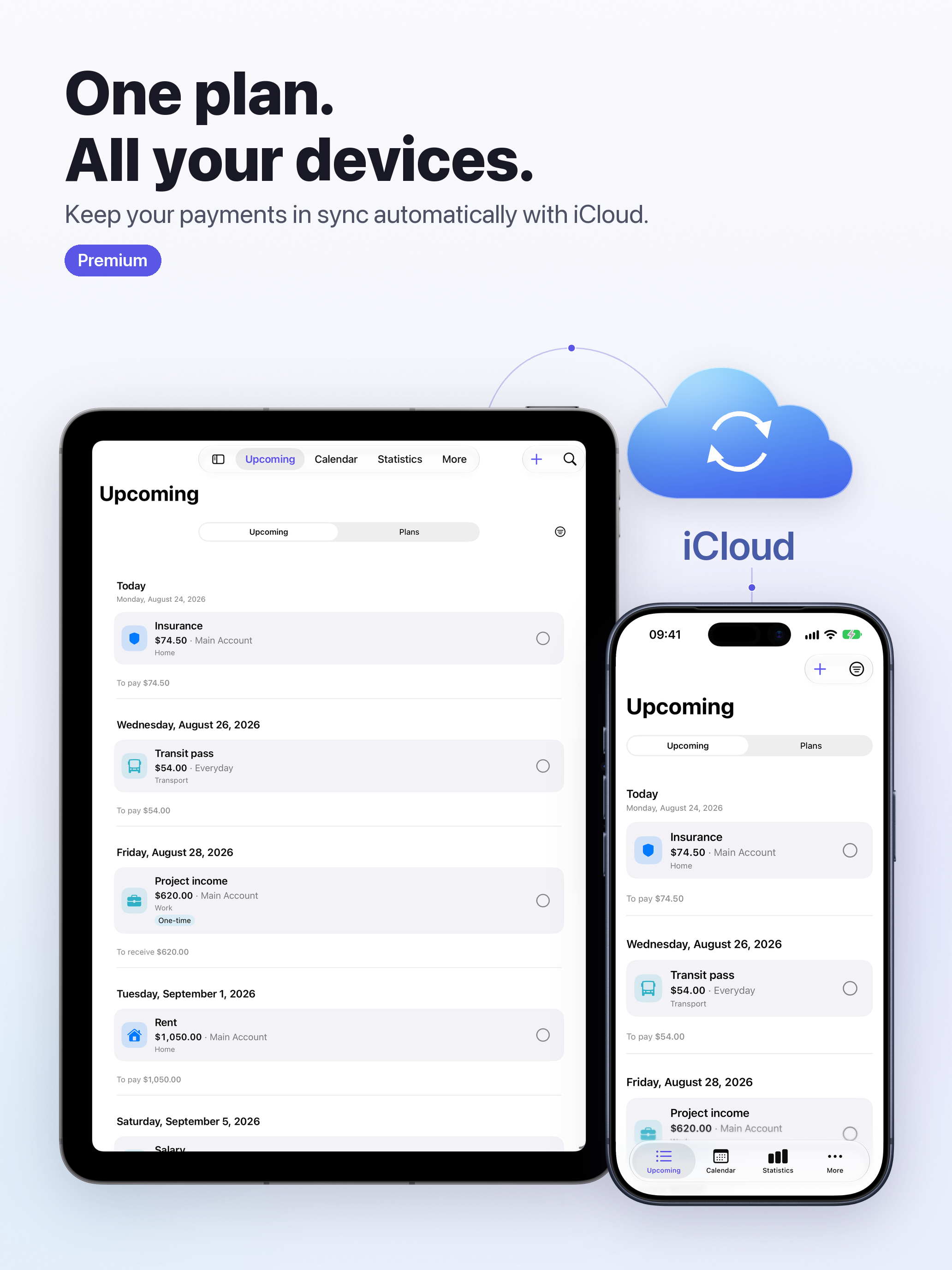
iCloud Premium
Add a bill on your iPhone and pick up your payment planning on your iPad or Mac. Premium syncs your plans, due dates and payment history through your own iCloud account.
Keep planning offline. When a connection is available, changes can sync between devices using the same Apple Account, with Premium and iCloud sync enabled.
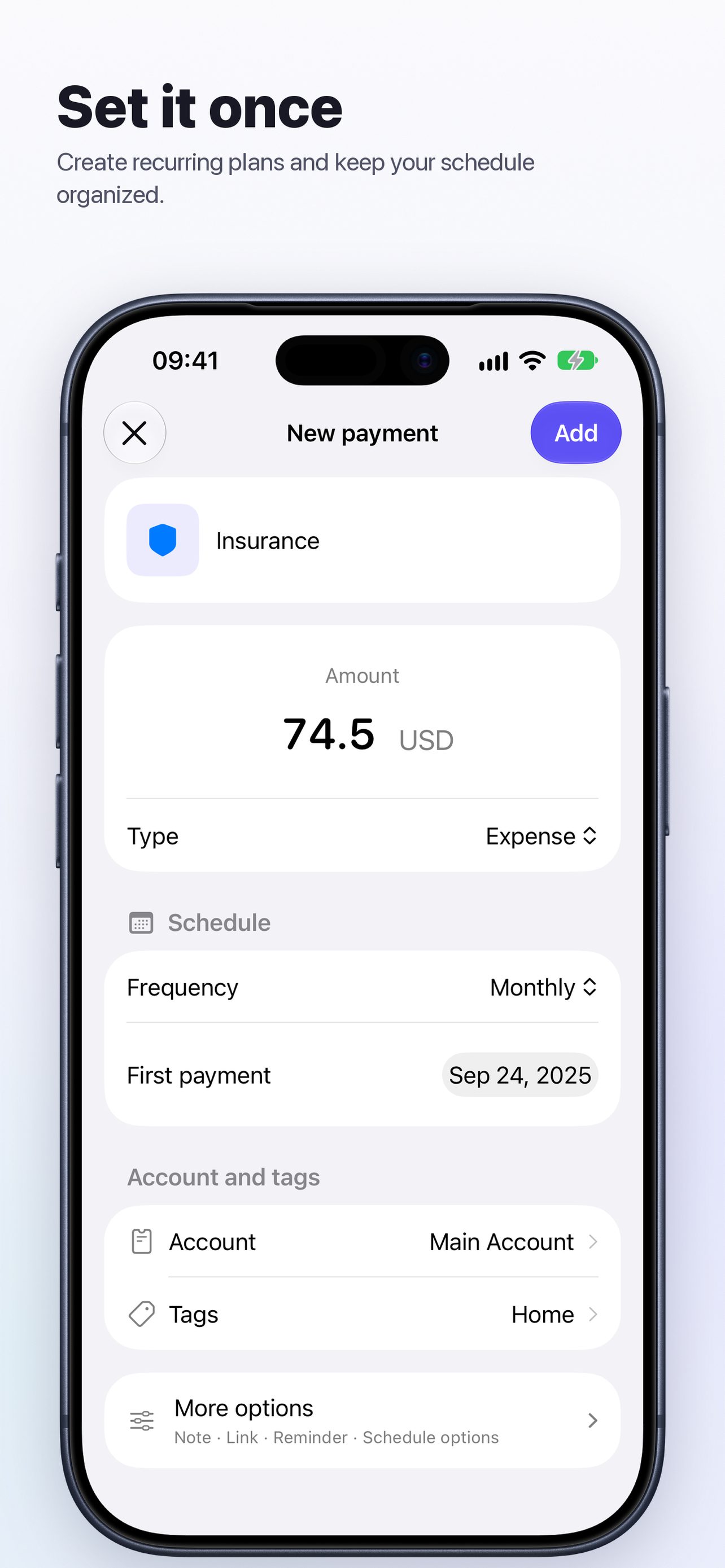
Create a recurring payment with an amount, schedule, account and tags. On iPhone Duo, the layout adapts to the available screen space.
Clearer VoiceOver labels and state information for payments, the calendar and forms.
Wherever you plan
Your payment calendar goes with you on iPhone, iPad and Mac. Plan bills and subscriptions without creating a Paylendar account; your plans stay available locally, even offline.
Apple Watch The companion app is now available: check upcoming payments, mark them as settled and see the next due date on your watch face. Works with your paired iPhone, without Premium.
With Premium, iCloud sync starts automatically if you have not previously disabled it on this device. Turning sync off stops data exchange on this device; it does not delete local or iCloud data. Synchronization is not a guaranteed backup.
Learn more about privacy →Paylendar
What would make planning payments easier for you?
Share your idea